Retail packaging is no longer only about the printed logo. Labels, tags and stickers can now connect the physical product to product information, inventory systems, authenticity checks, care instructions and repeat purchase journeys. QR codes, RFID labels and barcode labels work best when they are planned before printing, not added at the last moment.
Smart labels are more than normal stickers
A smart label combines printed branding with scannable or readable information. That information may be a QR code for customers, a barcode for retail billing, an RFID inlay for inventory or a batch label for internal tracking. The label still needs to look clean, but it also needs to work reliably.
This makes planning more important. A label that looks attractive but does not scan well can create problems at the counter, warehouse or customer touchpoint. The design should balance brand presentation with clear contrast, size, placement and material choice.
- Use QR code labels for customer-facing digital information.
- Use barcode labels for retail, billing and SKU identification.
- Use RFID labels when item-level inventory or tracking is needed.
- Keep the smart element readable instead of treating it like decoration.
Use QR codes when customers need more information
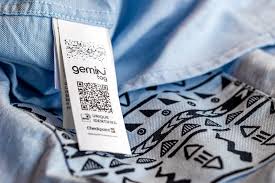
QR codes are useful when the printed label cannot carry everything the customer may need. They can link to product details, care instructions, warranty registration, authenticity checks, catalog pages, reorder forms, campaign pages or WhatsApp enquiry flows. For small packages, this keeps the printed design cleaner while still giving access to deeper information.
The QR destination should be useful and stable. A code that opens a generic homepage wastes the scan. A better experience sends the customer to a page that matches the exact product, collection or offer. If the campaign may change, the brand should plan a redirect-friendly link before printing.
- Link to product details, care guides, warranty or authenticity pages.
- Use QR codes for campaigns, offers, reorder forms and support information.
- Avoid sending customers to unrelated or temporary pages.
- Test the QR code from the final printed size before production.
Use RFID when inventory and item tracking matter
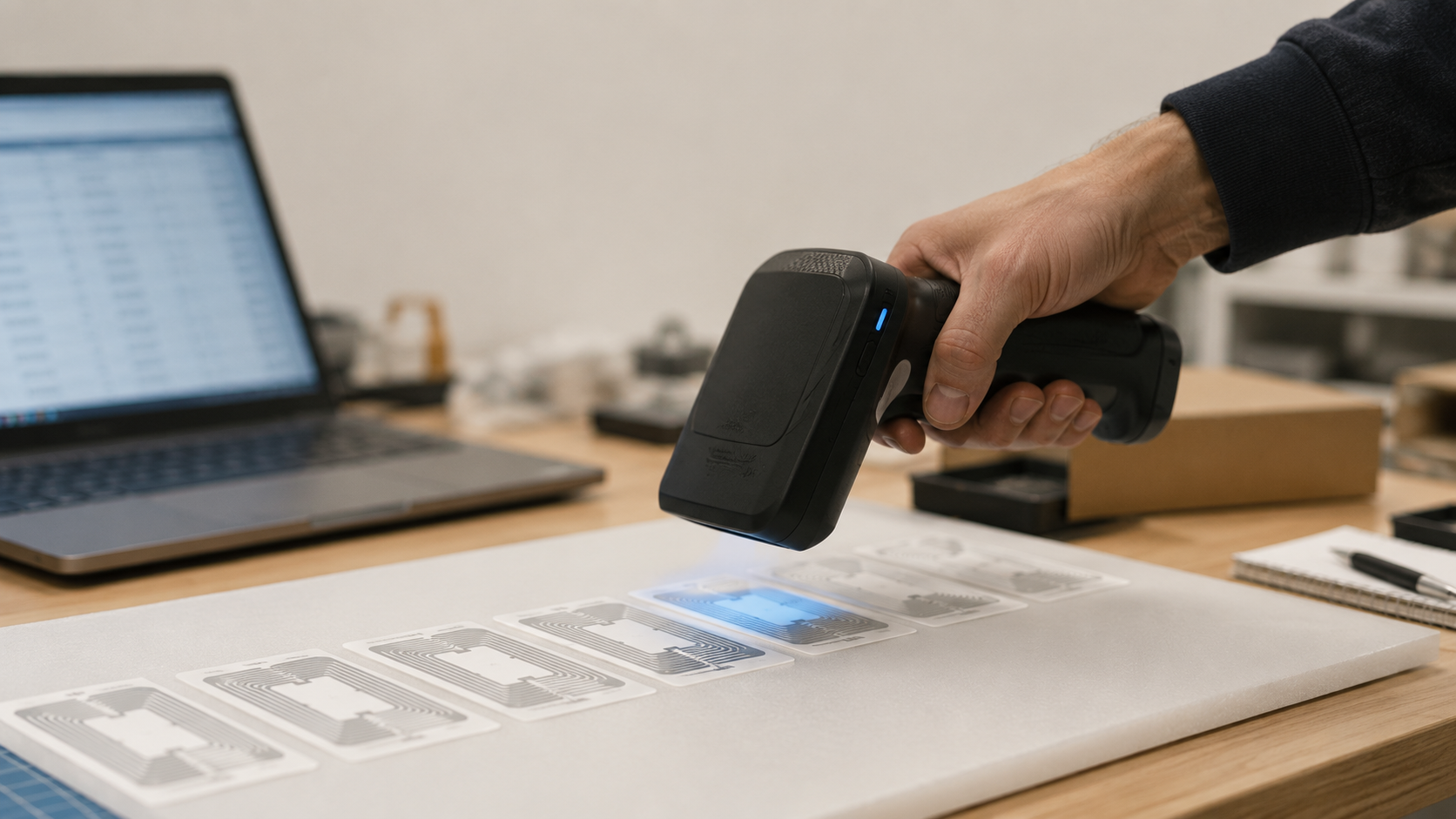
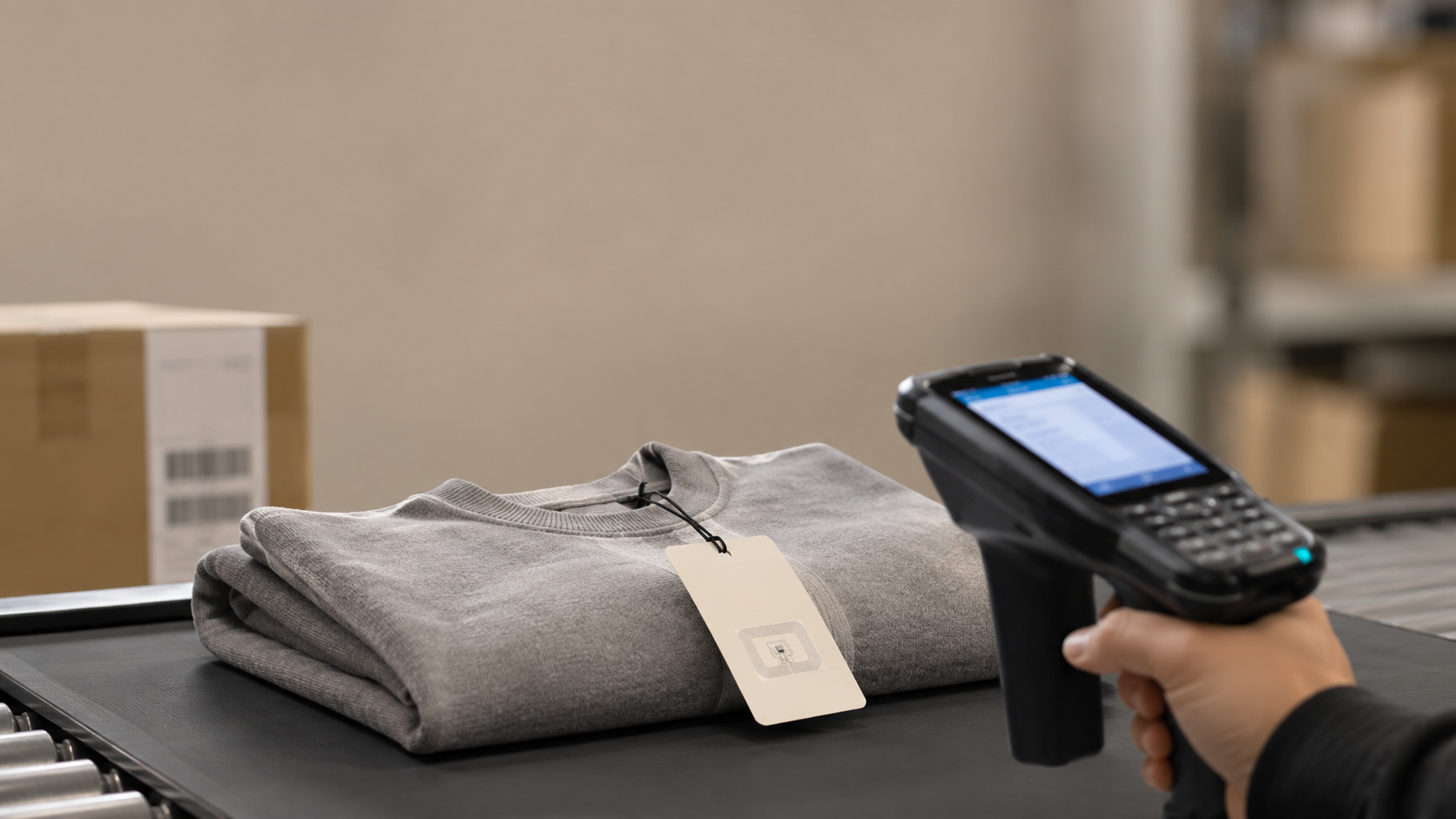
RFID labels are useful when a brand or retailer needs to identify products without scanning each label one by one. Apparel, accessories, retail stock, warehouses and higher-value products can benefit from item-level identification, faster stock checks, return handling and authentication support.
RFID should be planned around the product material, label position, read requirement and application method. It is not only a printed sticker decision. The inlay, size, surface and placement can affect performance, so the printer needs to understand the use case before suggesting the right format.
- Useful for garment inventory, stock checks and retail movement.
- Can be combined with printed branding, barcode and product information.
- Needs surface, placement and read-range planning before production.
- Works best when quantity, product type and application method are shared clearly.
Do not treat barcode and QR placement as decoration
Scannable codes need quiet space, contrast and clean placement. A barcode placed too close to a fold, edge, seam, handle hole or glossy glare area may fail at the exact moment it is needed. A QR code that is too small or printed over a textured surface may look modern but scan poorly.
Before printing, the code should be checked at actual size. The final surface also matters. Lamination, varnish, transparent stock, curved bottles, rough kraft paper and small hang tags can all change scan performance. Good smart packaging protects both the brand look and the scan function.
- Keep enough blank space around barcodes and QR codes.
- Use strong contrast between the code and background.
- Avoid folds, edges, seams, glare-heavy finishes and highly textured areas.
- Scan-test printed proofs with normal phones and scanners.
Match label material with the product surface
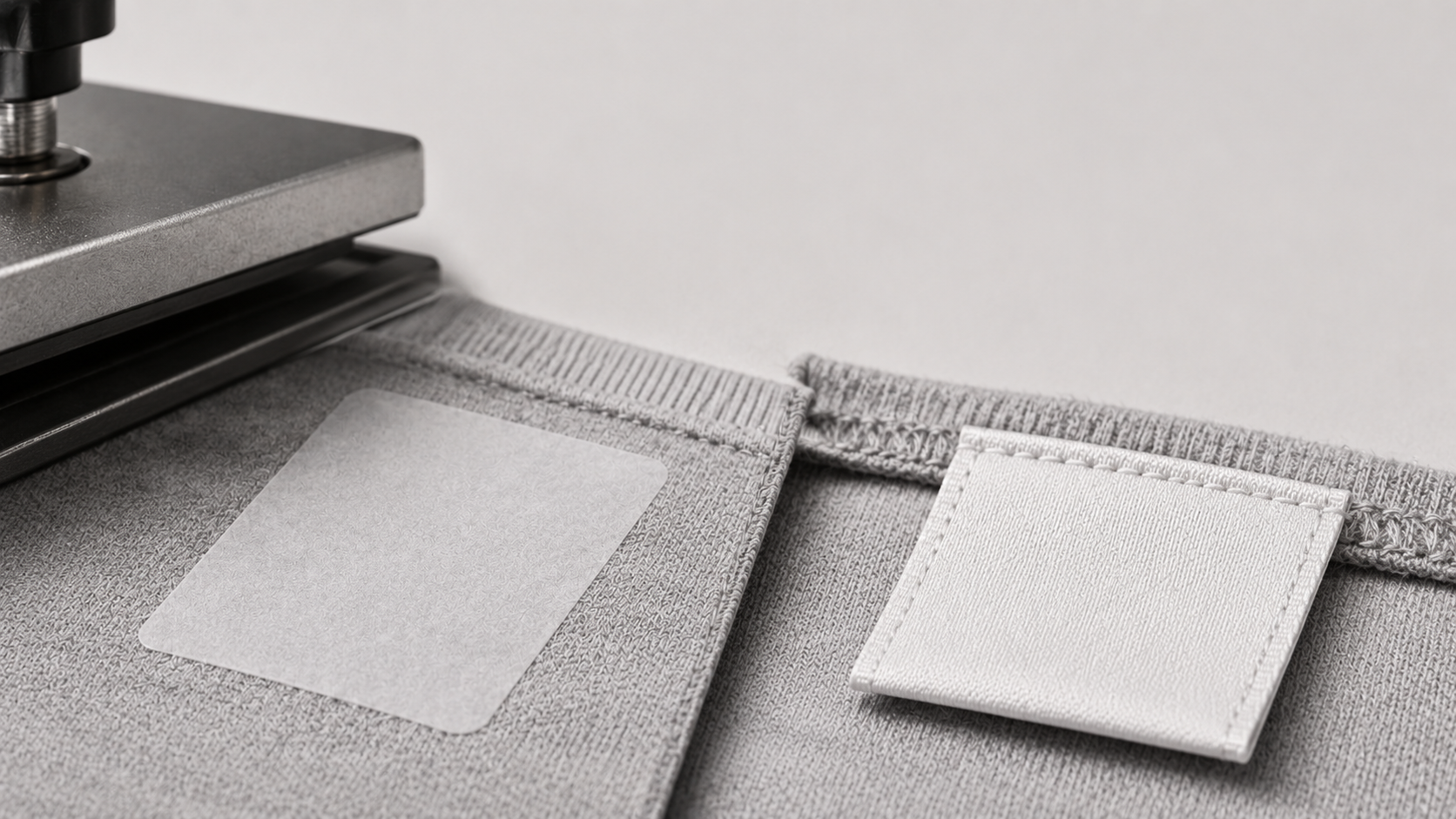
A smart label must match the surface where it will be applied. Paper labels can work well on cartons and boxes. Waterproof or transparent labels may be better for bottles, jars and cosmetic products. Hang tags are useful for garments because they can carry price, barcode and QR information without being attached permanently to the fabric.
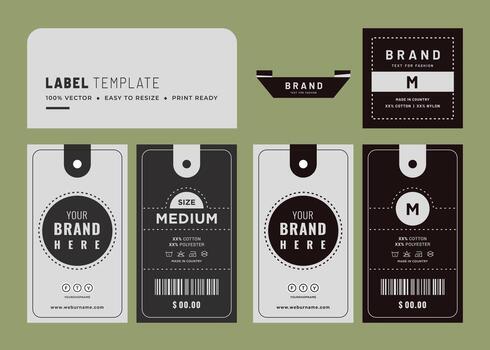
For apparel, the label system may include a woven label, satin care label, RFID hang tag, barcode sticker and price tag. For packaged retail goods, it may include a main product label, QR sticker, seal sticker and batch label. Planning these together keeps the brand consistent.
- Use paper labels for dry boxes, cartons and general packaging.
- Use waterproof or transparent labels for moisture-prone surfaces.
- Use hang tags for apparel, accessories and retail information.
- Use woven and cloth labels when garment branding should stay permanent.
Plan what happens after the scan
The scan experience is part of the packaging. A QR code can help customers understand ingredients, sizing, care, authenticity, warranty, recycling, offers or reorder options. But the linked page should load quickly, work on mobile and match the promise printed near the code.
For business use, the scan may support inventory, dispatch or authentication. In that case, the printed data, internal database and operational process should be ready before the labels are produced. Printing the code is only one part of the system.
- Write a clear prompt such as scan for care details or scan for authenticity.
- Use mobile-friendly pages for customer-facing QR codes.
- Keep product data organised before printing variable labels.
- Check whether the code is for customers, stores, warehouses or all three.
Build a complete retail label system
Smart packaging works best as a system. A garment may need a woven brand label, a satin care label, an RFID hang tag, a price tag and a barcode sticker. A product box may need a main label, QR code, seal sticker and batch label. If these pieces are designed separately, the product can look inconsistent.
When the label system is planned together, colours, logo placement, typography and material choices feel more intentional. It also helps the brand decide which information belongs on the product, which belongs on a tag and which should move to a QR-linked page.
- Assign each print piece a clear purpose before artwork starts.
- Keep logo, colour and typography consistent across labels and tags.
- Use QR codes for deeper information instead of crowding the label.
- Use stickers and tags for variable information across product variants.
Share the smart-label requirement before asking for pricing
Smart label pricing depends on size, material, quantity, print coverage, data format, RFID requirement, application method and timeline. A normal product label, barcode sticker and RFID label may look similar from a distance, but the production requirement can be very different.
A good brief helps the printer recommend the right label format. Share whether the label will be customer-facing, inventory-facing or both. Also share the product surface, code data, artwork status, scan environment and whether the label will be applied manually or by machine.
- Share label size, quantity, product surface and application method.
- Provide barcode, QR or variable data in a clean format.
- Mention whether RFID is required and how it will be read.
- Ask for proofing and scan testing before full production.
Common questions
What is a smart label?
A smart label is a printed label or tag that includes scannable or readable information such as a QR code, barcode, RFID inlay or product tracking data.
What is the difference between QR code labels and RFID labels?
QR code labels are usually scanned visually by a phone or scanner. RFID labels can be read wirelessly by RFID equipment and are often used for inventory, tracking or authentication.
Can RFID labels include brand printing?
Yes. RFID labels and hang tags can include brand artwork, product information, barcode details and other printed elements, depending on size and inlay placement.
What details are needed for a smart label quote?
Share label size, quantity, material, product surface, barcode or QR data, RFID requirement, artwork status, application method and timeline.